Wake up
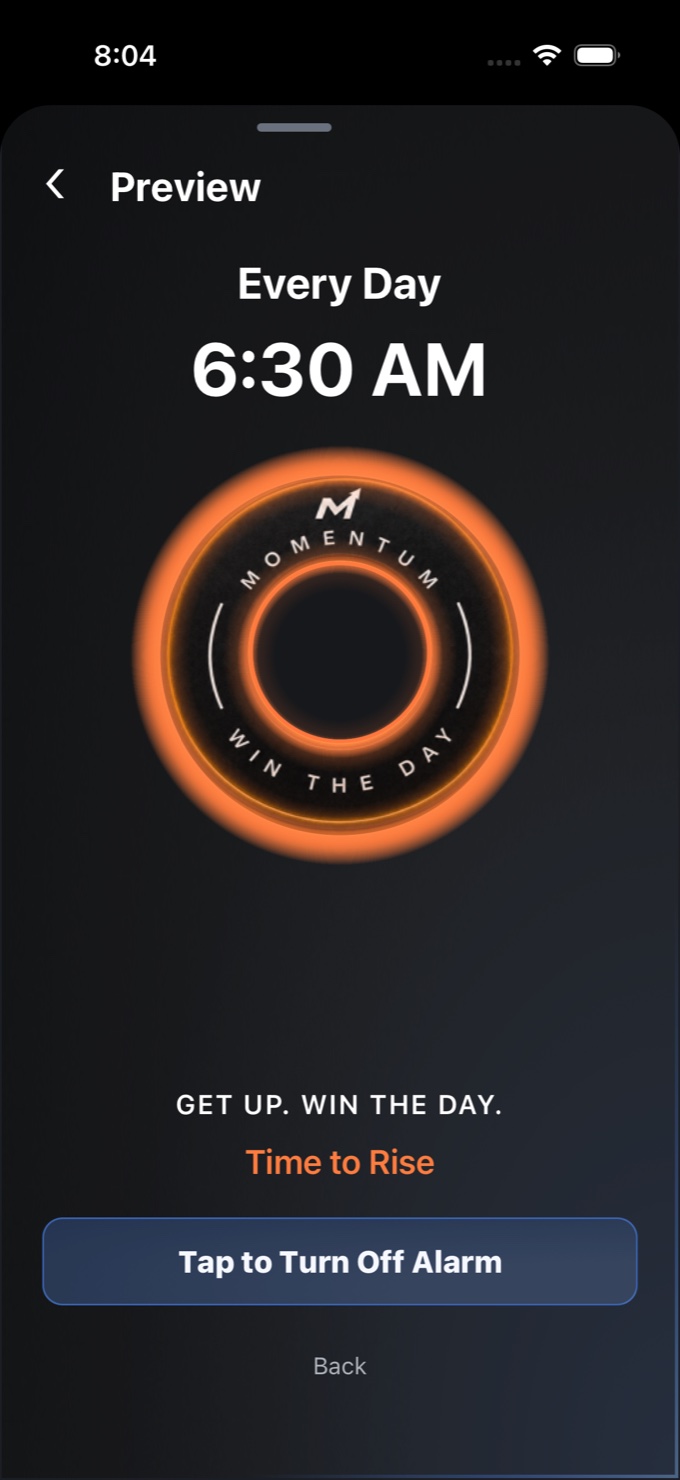
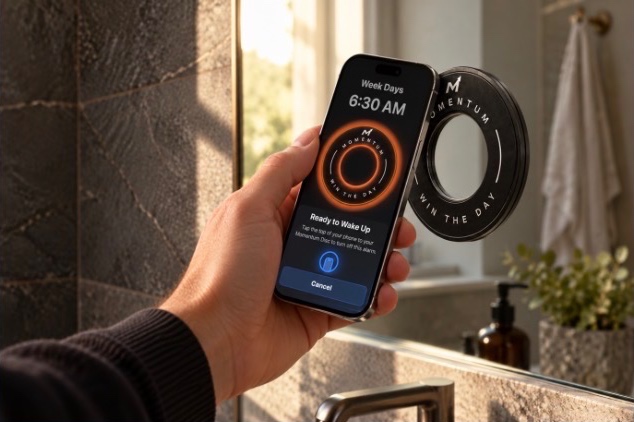
No snooze. Put the Disc across the room. Get up and tap it to turn off your alarm.
Momentum Disc

The iPhone app
No snooze. Put the Disc across the room. Get up and tap it to turn off your alarm.
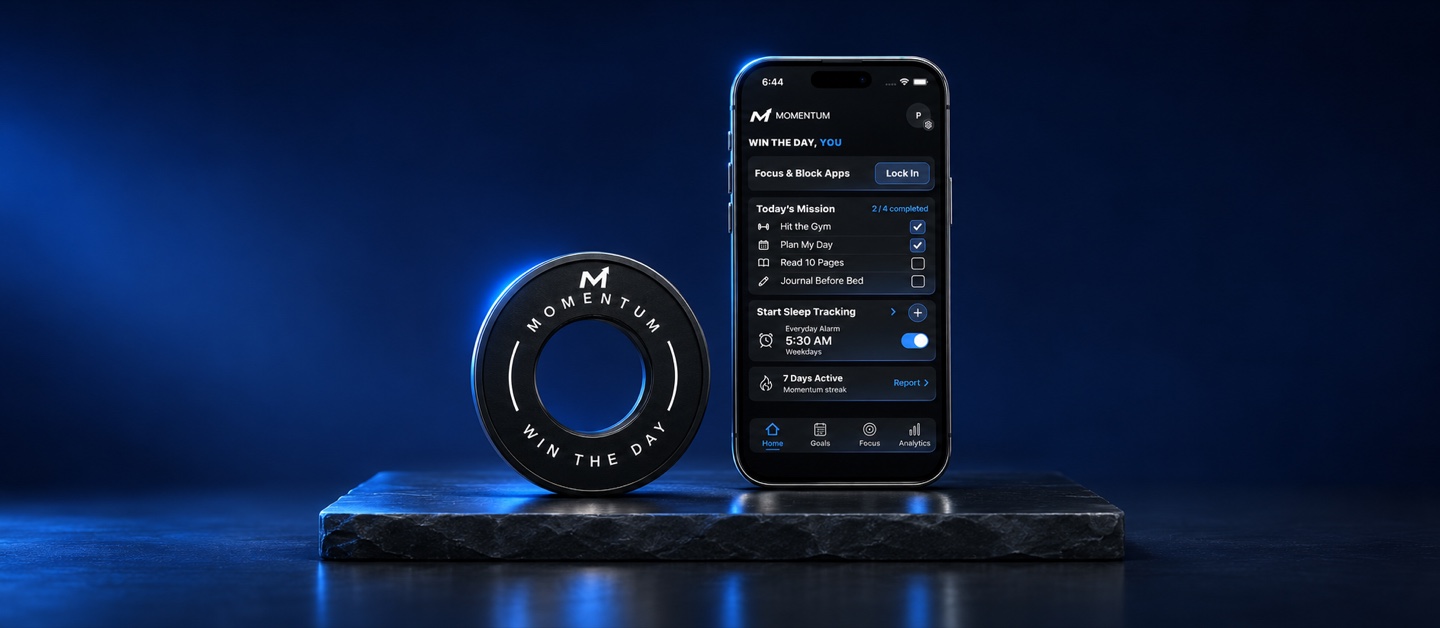
At your scheduled planning and review times, Momentum blocks the apps you choose until you set your morning goals or submit your nightly review.
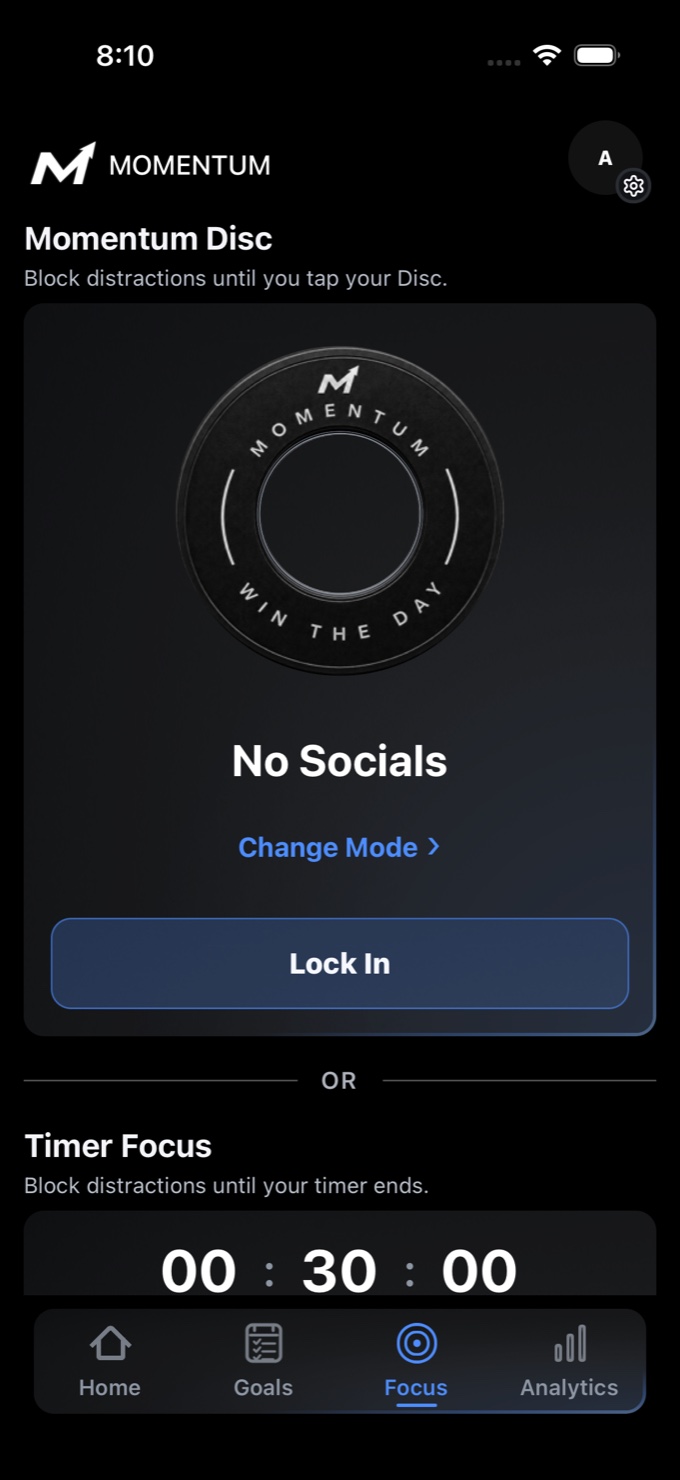
Block the apps you choose with the Disc, a timer, or a recurring schedule.
Forces you to wake up. Set an alarm and choose how to turn it off. Tap your paired Disc, take 15 steps, or snap a photo of the sky.
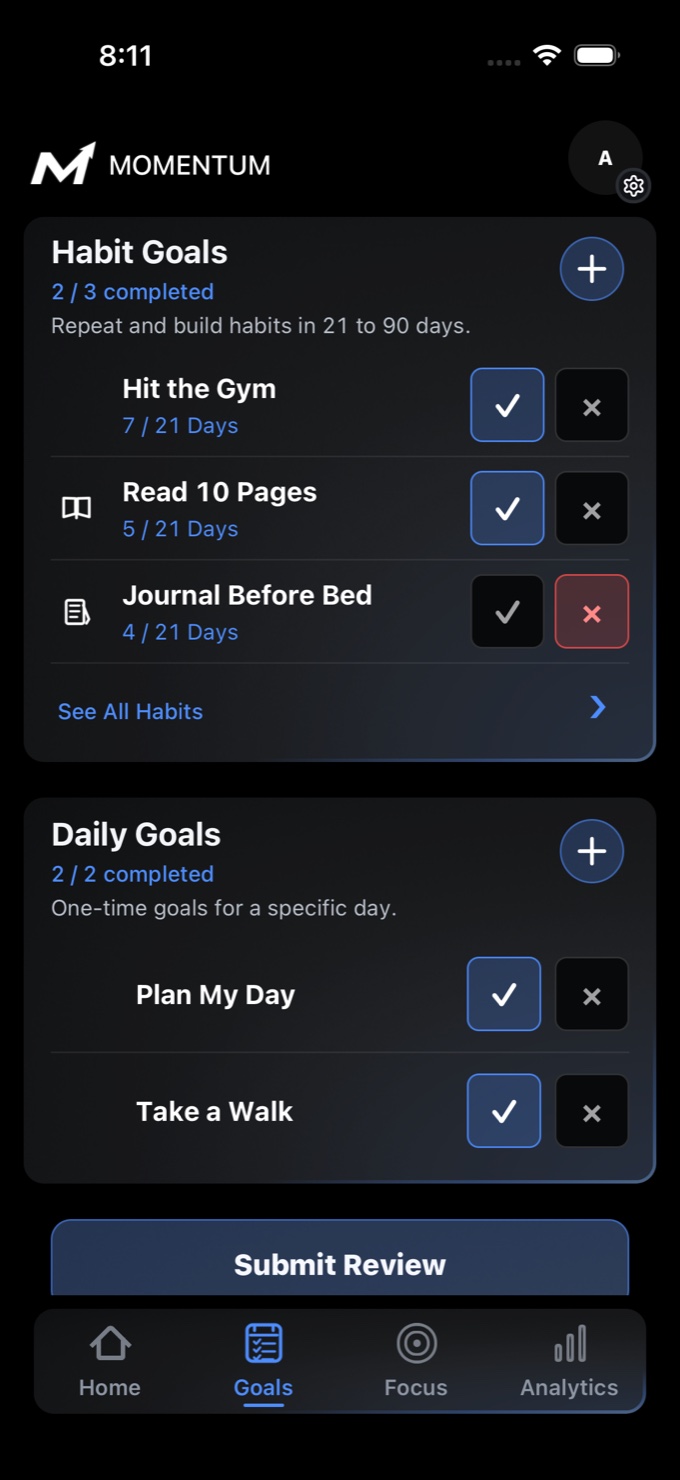
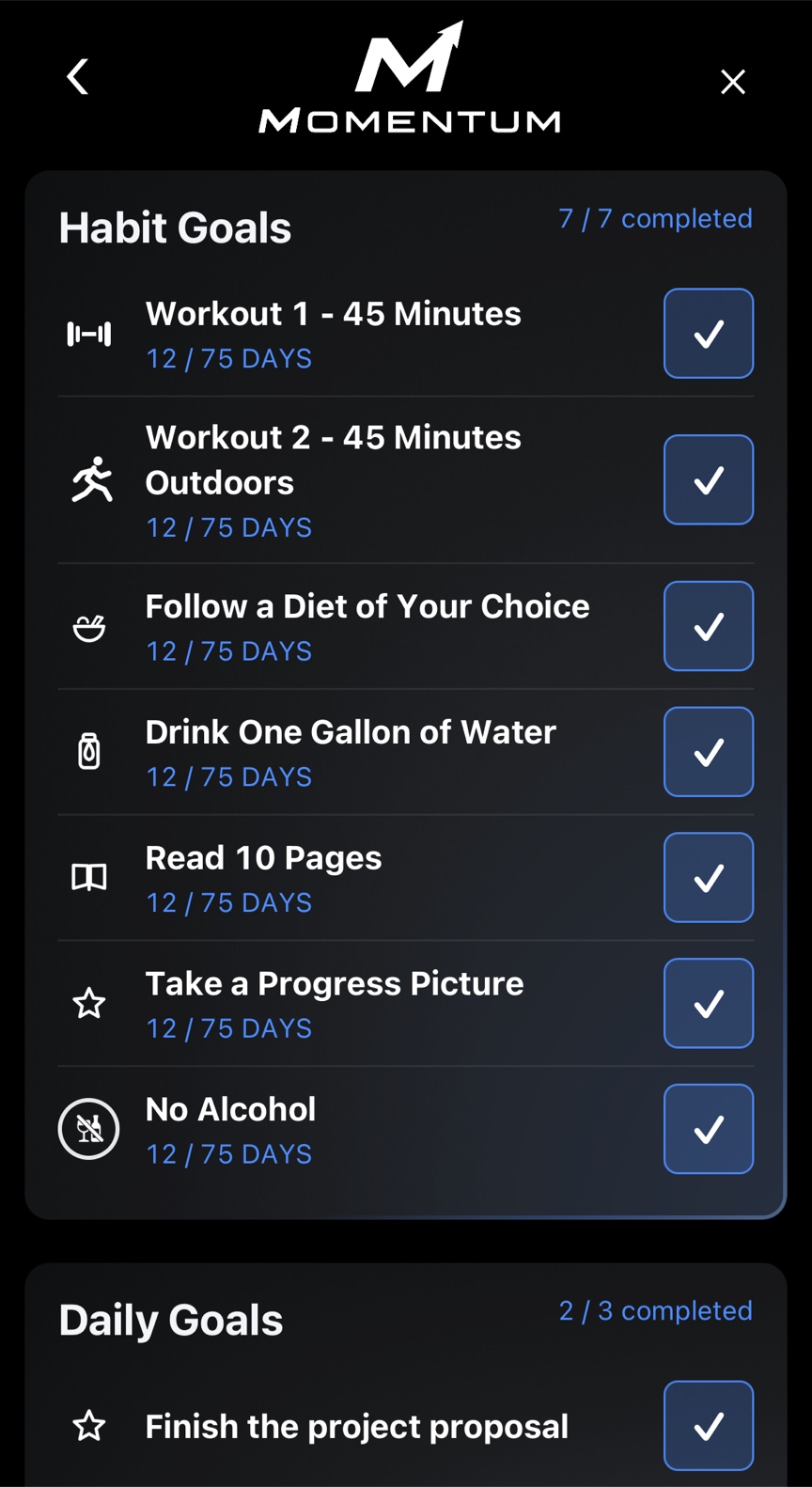
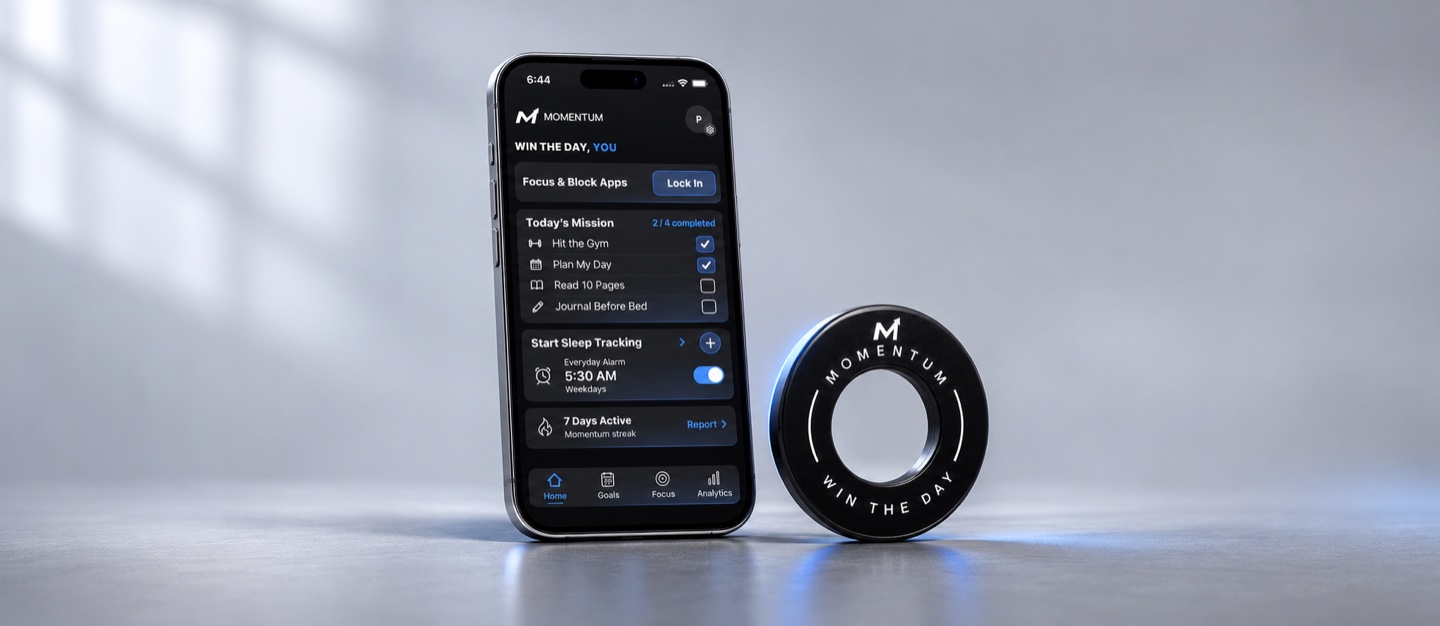
Add daily goals and habits, then check them off in Today’s Mission as you go.
Choose the apps and sites to block. Start Disc Focus in the app and tap your Disc when you’re ready to end the session.
See how wake-ups, focus sessions, and daily goals fit into different days.
Wake Up

Deep Work Session complete

Habit Goals39 / 90 days
 Train for a marathon✓

Habit Goals12 / 21 days
 Pilates✓

Habit Goals18 / 60 days
 Train for HYROX✓


Family Time Session complete

Habit Goals7 / 21 days
 Journal✓

Habit Goals14 / 21 days
 Read scriptures✓

Habit Goals18 / 30 days
 Daily meditation✓

Daily Goals
 Meal Prep✓

Habit Goals24 / 30 days
 Hit Calorie Goal✓

Daily Goals
 Close the deal✓

Daily Goals
 Finish the project draft✓

Habit Goals9 / 21 days
Study for finals✓
 Momentum
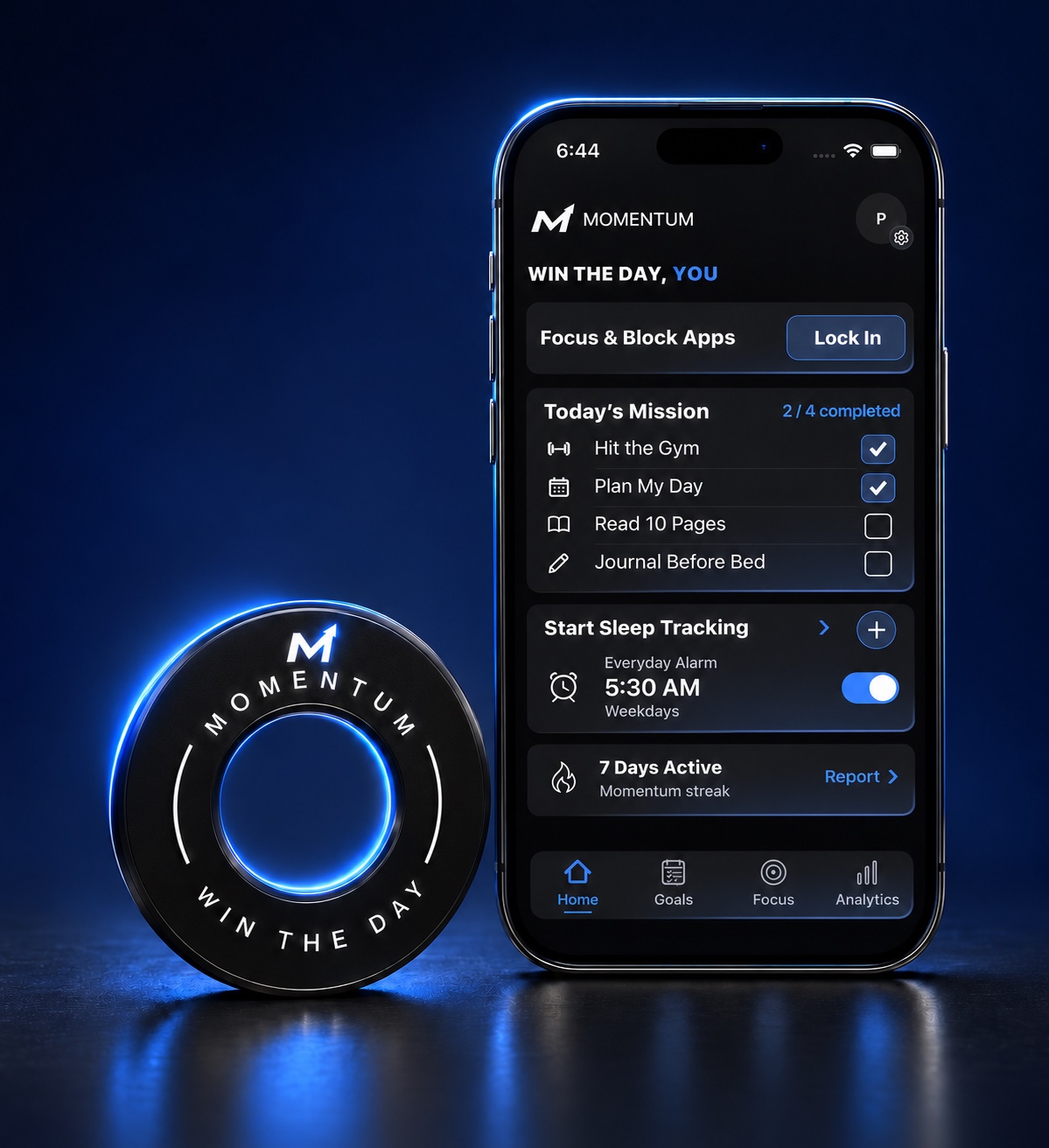
Check off goals from your Home Screen. See your focus time, next alarm, and daily inspiration at a glance.

Start a team or join with an invite. Share the habits and daily goals you choose, and see what your teammates are checking off.
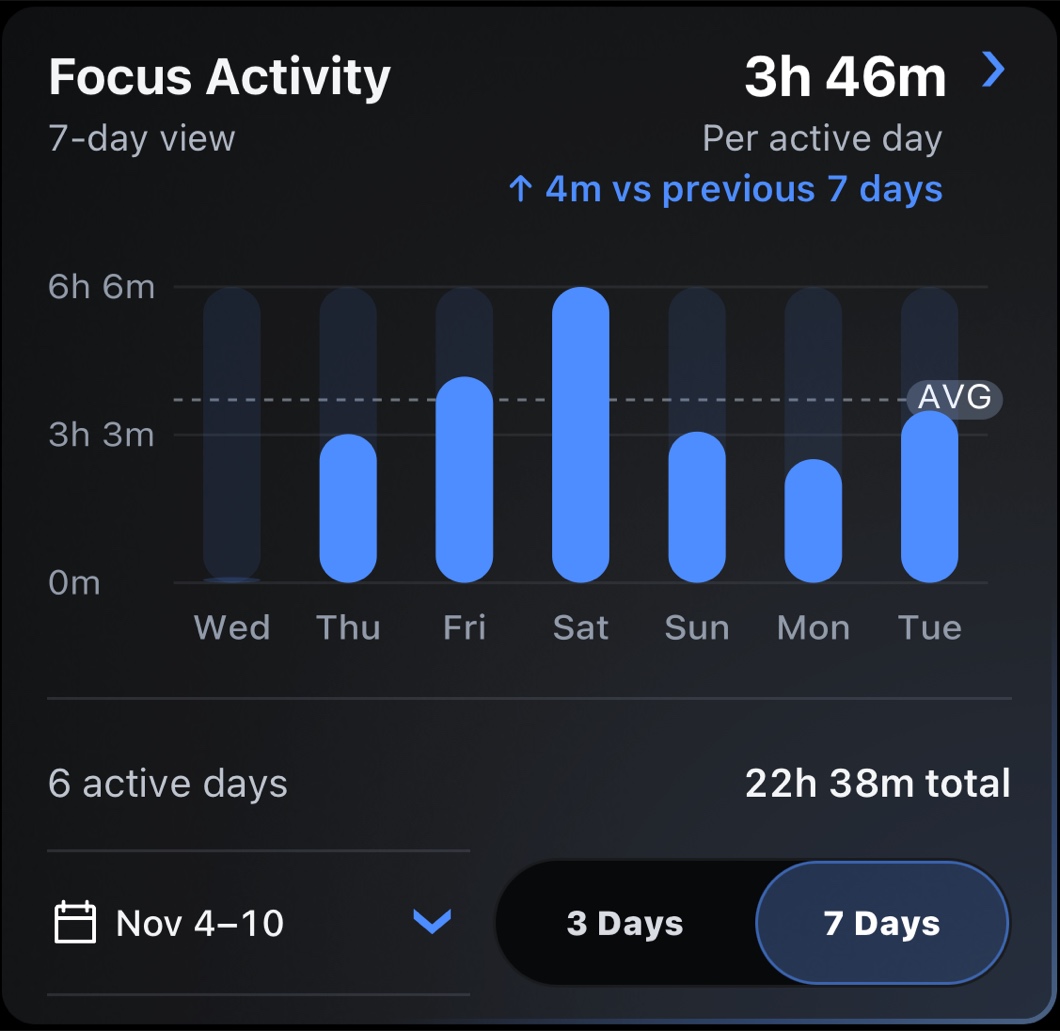
See when you wake up, how often you finish your goals, and how much time you spend in focus sessions.
Explore analytics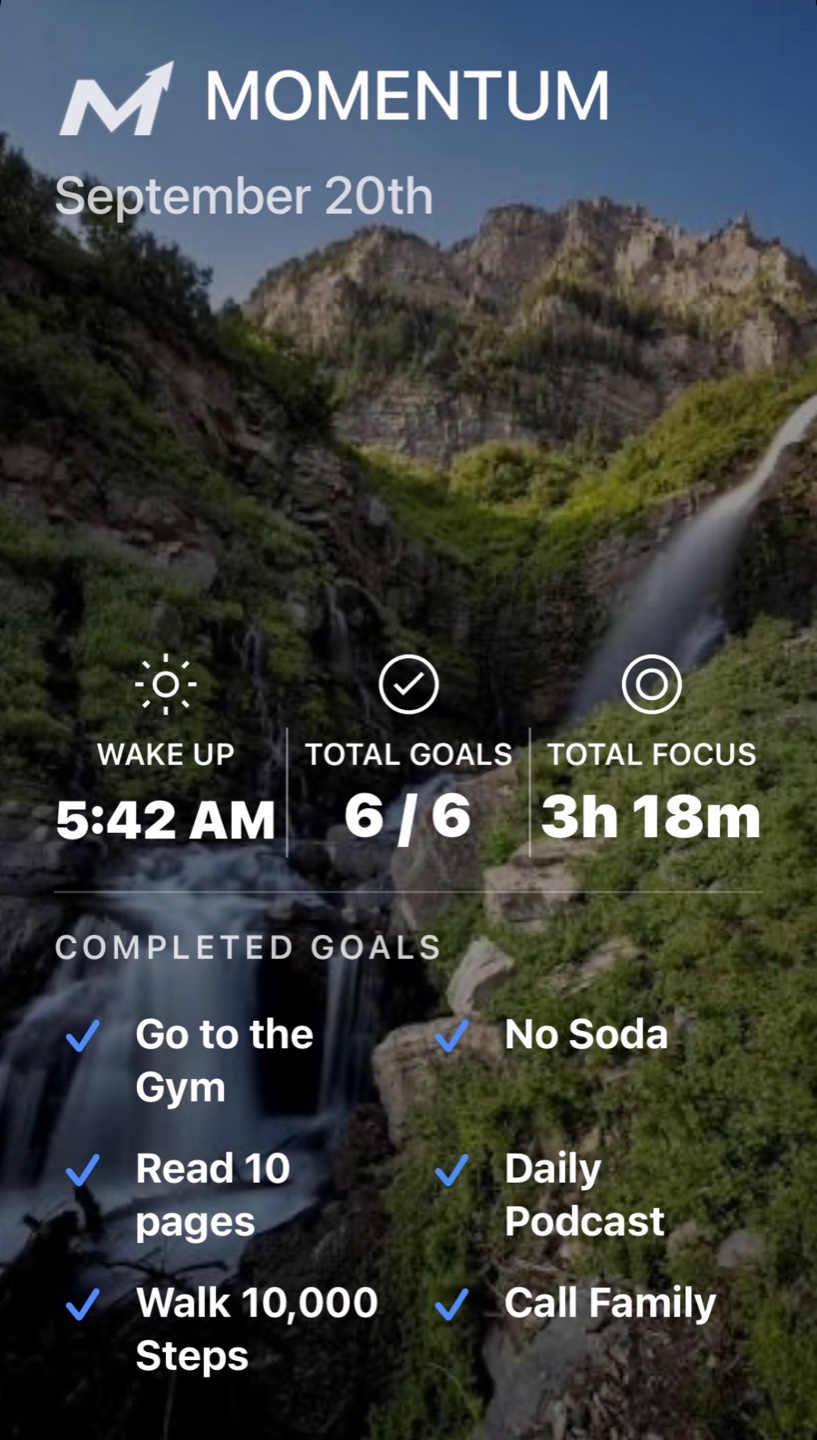
Make a daily or weekly recap. Add a photo, choose your stats and completed goals, and share it on social media or with friends.
Less than 22¢ a day
Save $67.88 in year one*
$79 / year
Billed annually.
Due at checkout$79.00
$8.99 / month
First payment covers your first month and Disc.
Due at checkout$47.99
*Compared with 12 monthly payments and the $39 Disc.
Full access to the Momentum iPhone app.
Set recurring alarms and choose a wake-up challenge, like taking steps or tapping your Disc.
Block distracting apps and websites with your Disc, a timer, or a recurring schedule.
Build habits and check off daily goals in Today’s Mission.
Set a plan in the morning and review what you finished at night.
See your focus time, wake-up history, and habit streaks.
See your iPhone calendar when you plan and view sleep data shared through Apple Health.
You can use Timer Focus, set schedules, and build habits with the app alone. Pair a Disc to use Disc Focus or choose Disc scan as a wake-up challenge.
Yes. Give Momentum Screen Time access, then choose the apps and websites to block. Set up different lists for work, evenings, or whatever you want to protect.
Momentum is available for iPhone through TestFlight. System alarms require iOS 26 or later.
Open the beta link on your iPhone and follow Apple’s TestFlight instructions to install Momentum Disc.